
Player limits depend on the platform
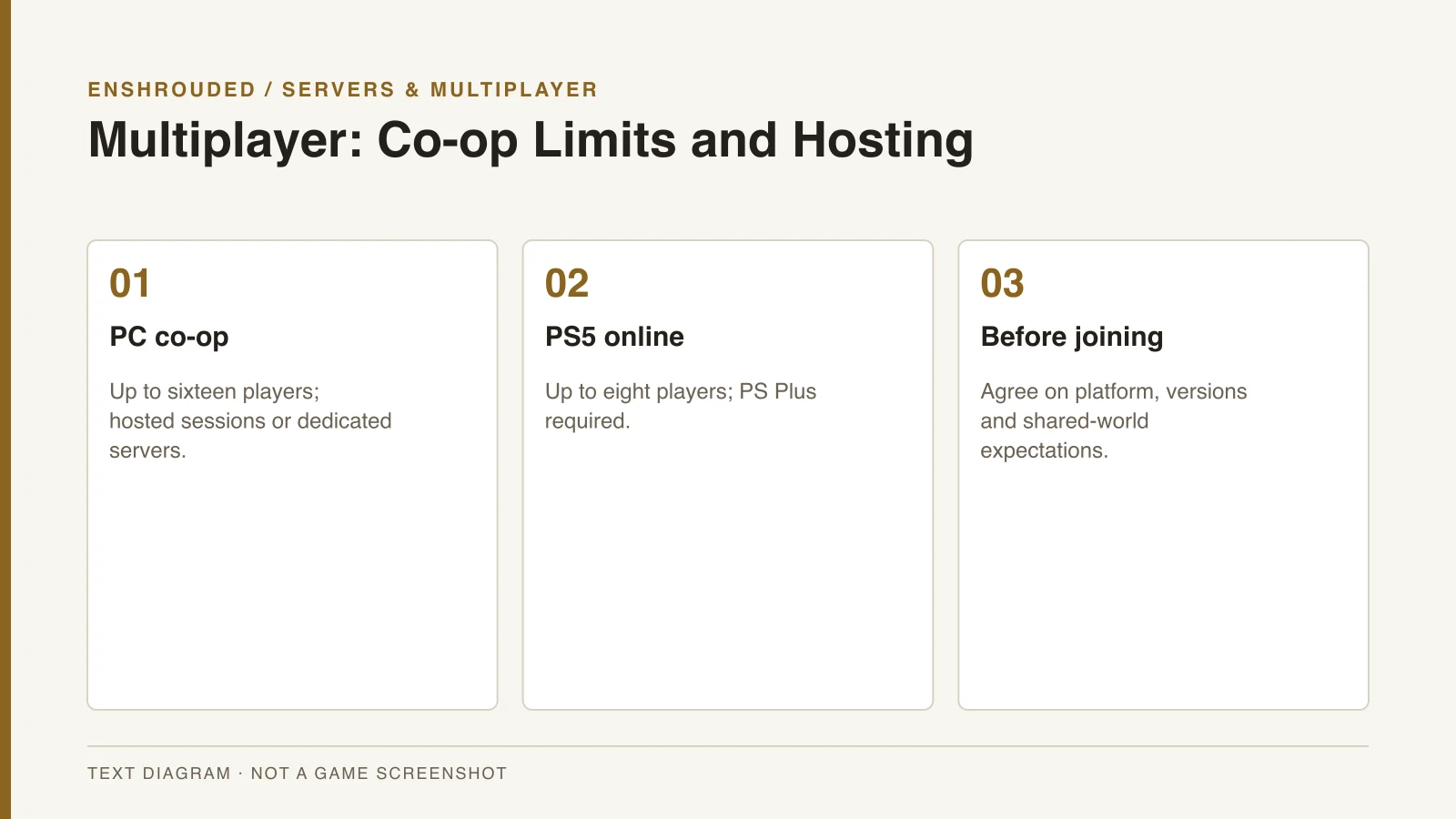
Enshrouded supports solo play and online co-op. The PC FAQ describes groups of up to sixteen players, while the PS5 store lists up to eight online players. Do not treat the PC maximum as a promise for every console version.
The PS5 listing requires PS Plus for online play. Keen’s launch FAQ also excludes cross-platform play at the full release launch. Before organizing a group, check both capacity and platform compatibility rather than relying on the word multiplayer alone.
Hosted session or dedicated PC server
A hosted session is useful for a group that plays while the host is online. A dedicated PC server can run separately from a player’s session. The choice is about access to the world rather than whether the group uses different combat roles.
The server guide covers Steam’s dedicated server tool and the official setup documentation. Keep client and server versions aligned when joining. Agree on access permissions and world settings before inviting players into a shared world.
- Choose the same platform as your group.
- Use host/join for a temporary session or a dedicated server for persistent PC access.
- Set access permissions and agree on world settings.
- Coordinate progression expectations before completing shared objectives.
- Confirm whether a connection problem is version mismatch or server discovery.
Joining and preserving the world
When joining fails, first check whether the problem is a build mismatch or server discovery. These are different from the crossplay limitation, which excludes different platforms at launch. Use the official network documentation for a server-discovery problem.
Back up the world before a major update and coordinate which server copy the group will continue using. The save compatibility guide explains the announced conversion process. A fresh start is a group decision rather than an assumed requirement to wipe progress.