What Keen confirms
Keen’s October 13 launch FAQ confirms that Early Access saves can be used in the full release. The game will convert them into an improved save format. That replaces older articles treating migration as an unresolved question.
Keen encourages starting again to experience changes to the world and opening hours. The fresh start is optional rather than a mandatory wipe. Decide whether preserving an established world or seeing the revised opening matters more to you and your group.
Back up the relevant save copies
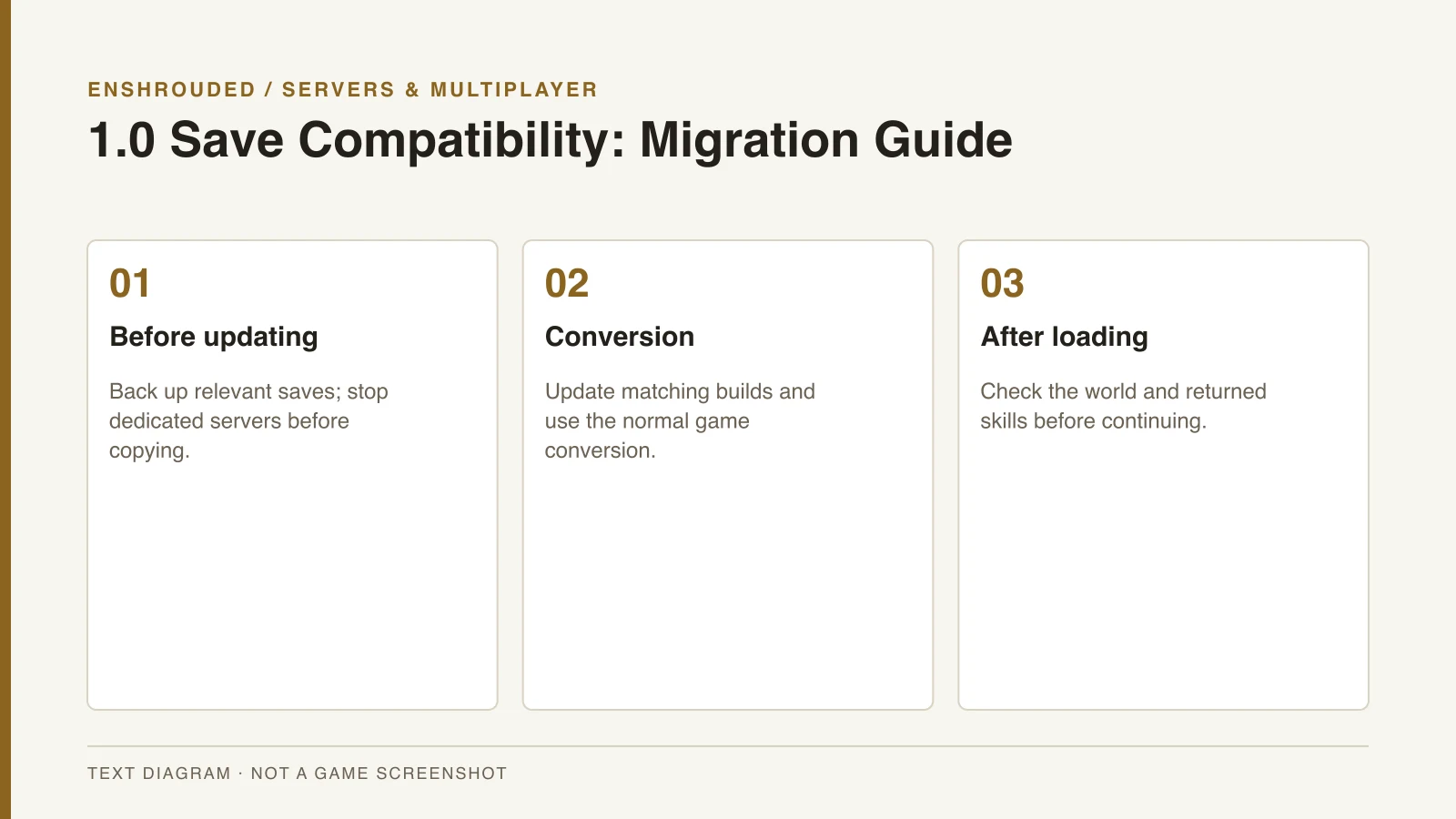
Before updating, make a backup of the complete relevant saves. Use Keen’s Save Game Management article to distinguish the local, cloud and server copies involved. Do not assume that one file copied from an unrelated directory represents the whole world you intend to preserve.
For a dedicated server, stop it cleanly before copying its configured save directory. Keep that backup separate from the copy the new game version opens. A provider’s save article can add hosting context, but its actual update and backup process still needs to be checked for your server.
- Back up the complete relevant saves before the update.
- For a dedicated server, stop it cleanly before copying its configured save directory.
- Update client and server to matching builds.
- Allow the game's normal conversion process and check the loaded world.
- Choose a fresh start only if you want the revised opening experience.
Update and check the converted world
Update participating clients and the server to matching builds. Allow the game’s normal conversion process rather than inventing a manual file-editing procedure. After loading, check that the expected world and character are the ones your group intended to continue.
An announced skill reset is another reason for returning players to pause before fighting. Review the skill-tree guide and inspect the points returned to your character. Save compatibility does not imply that the old combat setup remains allocated exactly as before.
Compatibility is specific to the upgrade
The FAQ’s confirmation concerns upgrading Early Access saves into the full release. It does not establish backward compatibility, console cross-save or support for every unofficially modified save. Historical alpha, beta and demo incompatibility should not be used to contradict the current upgrade answer.
The fixes-overview videos selected in the research provide general update context. They do not independently verify migration, because both reproduce the same underlying developer presentation. Use the written FAQ for the compatibility decision and the beginner guide if you choose a fresh start.