
Choose a map for your objective
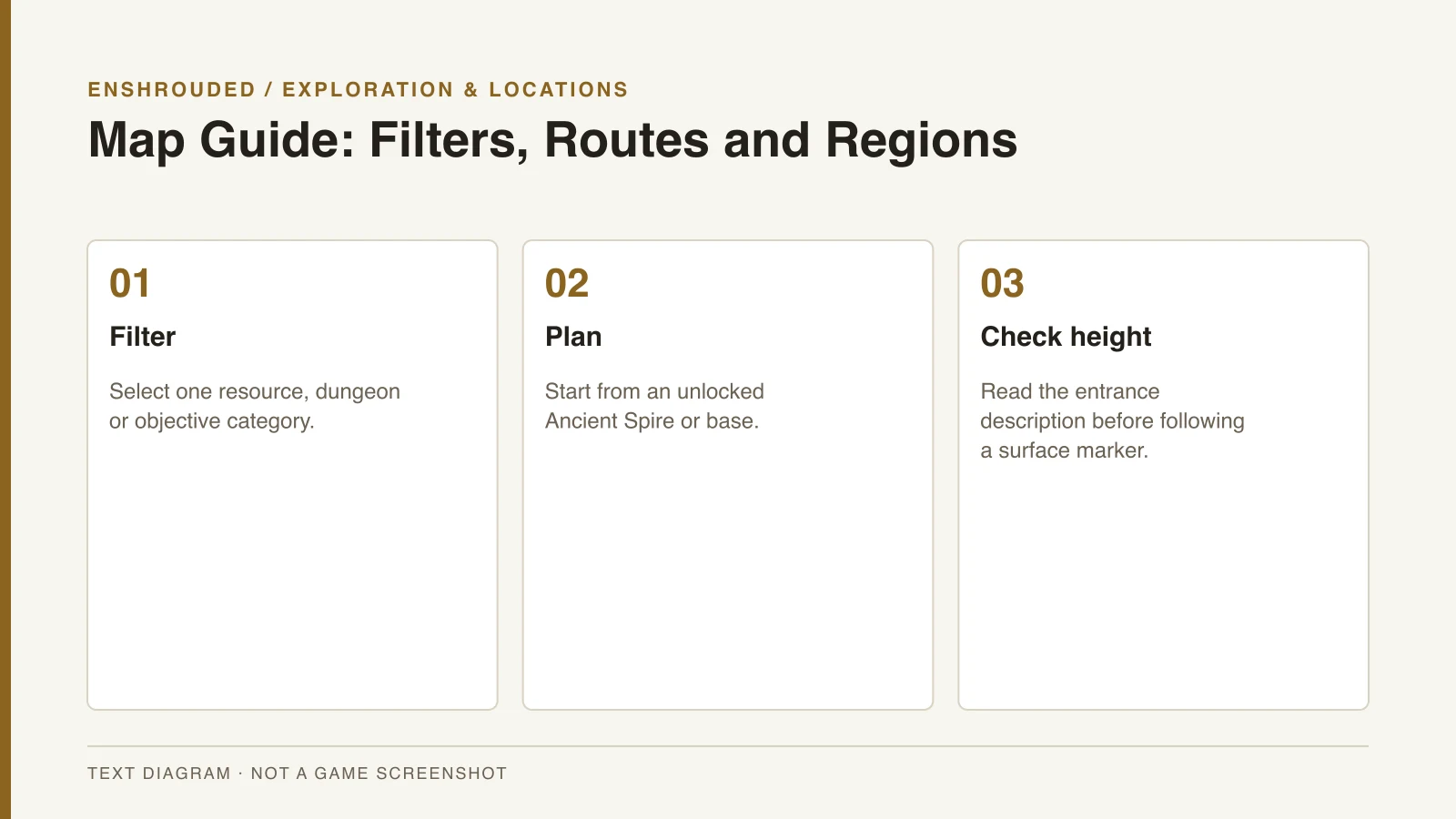
An interactive Embervale map can filter Ancient Spires, Shroud Roots, Elixir Wells, dungeons, settlements and resources. Choose the category that answers your immediate question instead of displaying every marker. A focused view makes the useful travel point and destination easier to compare.
The Pindrop map and Enshrouded Tools map provide searchable markers and location categories. Their coverage depends on the game version and the service’s database. A displayed marker count is not an official total of everything you must complete in the game.
Plan from a usable travel point
Locate a nearby Ancient Spire you have unlocked or a base you can use before planning a route. A destination shown on a map is not the same as having safe access to it. Compare the destination with your available travel points and the region you can currently explore.
For materials, connect the map to a named-landmark route rather than a coordinate copied from another tool. The clay guide, Amber guide and Coal guide use landmarks from the research. This keeps the route understandable when different tools use different coordinate conventions.
- Filter the map to one objective rather than displaying every marker.
- Locate a nearby unlocked Ancient Spire or base before planning the route.
- Check height and entrances: a marker may indicate a cave or underground dungeon.
- Confirm that the map includes your biome and current version.
- Track personal completion separately from a map's total marker count.
Check entrances and vertical terrain
A marker can identify a cave or an underground dungeon rather than a destination on the surface above it. Check elevation and entrances when the marker seems correct but you cannot find the objective. The Nomad Highlands Hollow Halls guide illustrates why the mountainside approach matters.
Albaneve exploration also includes objectives below the surface. For the Shroud Roots checklist, Polaris Falls and the quarry need particular attention to vertical position. A flat map marker does not replace the written landmark description.
Keep completion and map coverage separate
Embervale is a designed world rather than a procedurally generated map. Older whole-map videos cannot establish the boundary or completeness of the later world. Confirm that your chosen map covers the biome and version you are exploring.
Track personal completion separately from the map’s total markers. Shroud Roots, Elixir Wells and other objective types should remain separate checklist categories. A world-sharing video can supply context about shared creations, but it is not evidence for an exact resource location.