
Choose how the world will be hosted
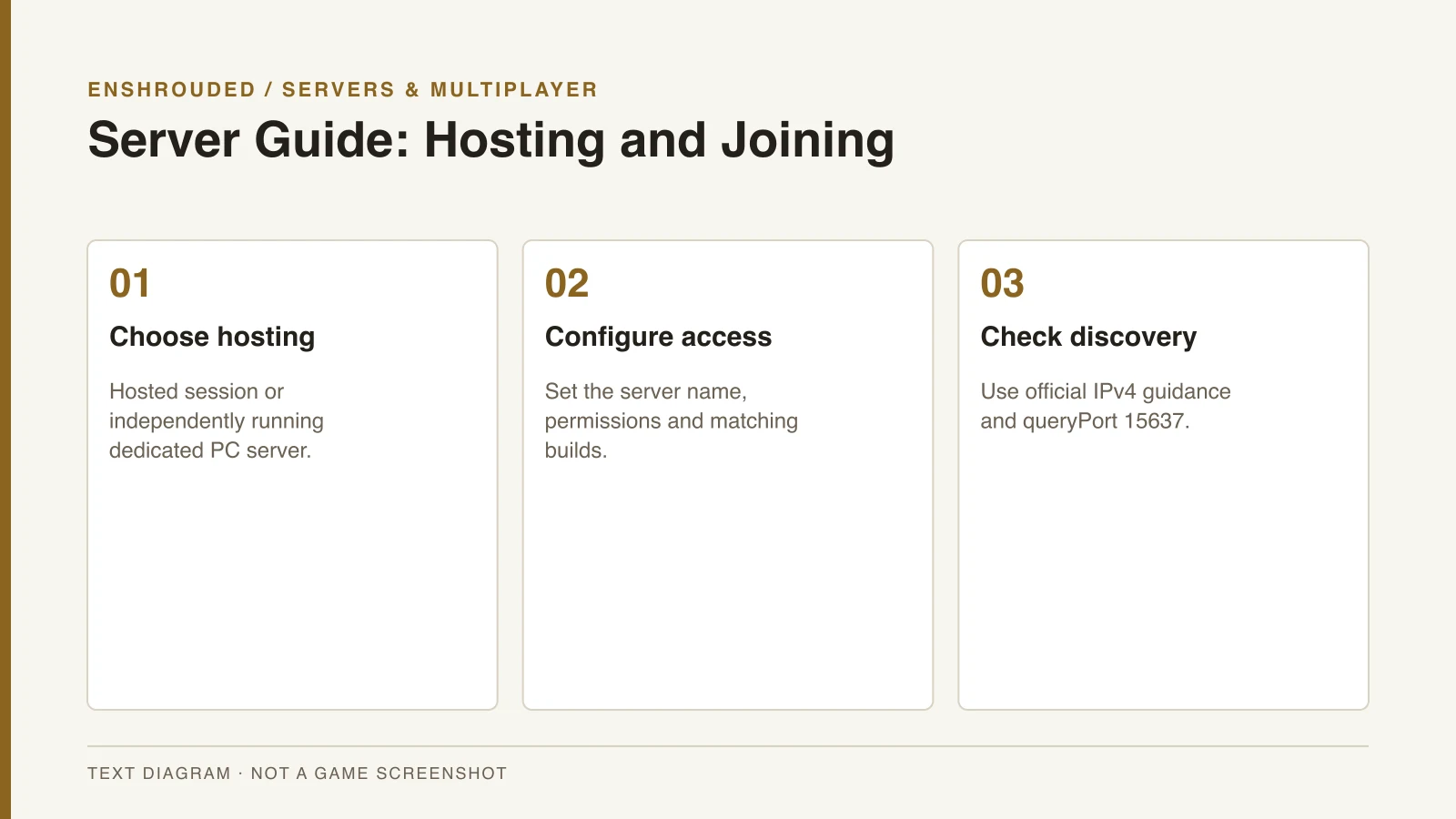
On PC, a hosted co-op session and a dedicated server are distinct choices. A hosted session depends on its player host being online. A dedicated server can run separately, which suits a group that needs access outside one person’s play session.
The dedicated server tool is available in Steam’s Tools library for owners of Enshrouded. Use the official installation guide to identify the tool and launch workflow. The executable creates server configuration that should be checked before inviting other players.
Configure a recognizable, controlled session
Choose a recognizable server name and set the access controls you want for the group. Confirm that the client and server builds match before diagnosing a connection failure. A build mismatch should not be mistaken for a missing server or an unsupported platform connection.
Commercial quickstarts describe server-name search and Steam server favorites as joining methods. Those methods can help connect a friend to the intended PC world. Exact network configuration should still come from Keen’s current documentation rather than an older provider tutorial.
- For casual sessions, use the game's host/join options.
- For an independently running world, install the dedicated server tool.
- Set a recognizable name and access controls.
- Use the current query port and IPv4 network documentation if discovery fails.
- Keep client and server builds aligned, and back up the world before updates.
Use the official discovery settings
Keen’s reviewed network article specifies IPv4 and a default queryPort of 15637. Older hosting references also mention a different game port, but that does not justify opening additional ports without checking your configuration. Compare the running configuration with the official discovery instructions.
Work through discovery separately from the game’s crossplay limitation. A PC server being difficult to find does not change which platforms can join at launch. Record whether the problem is finding the server, connecting to it or loading the world.
Back up before updating
Keep a backup of the server world before changing versions. Stop the server cleanly before copying the configured save directory, so the backup represents a consistent saved state. Update the server and the participating clients to matching builds before continuing.
The save compatibility guide explains the full release conversion announcement. Keep the backup separate from the copy that the new version opens. If the application crashes rather than merely failing discovery, use the crash diagnostic guide.