
Start with a measured baseline
The research does not establish one universally best full-release graphics preset. Keen previews performance work, so older Early Access measurements may not describe the launch renderer. Start from an available preset and compare a repeatable scene on your own system.
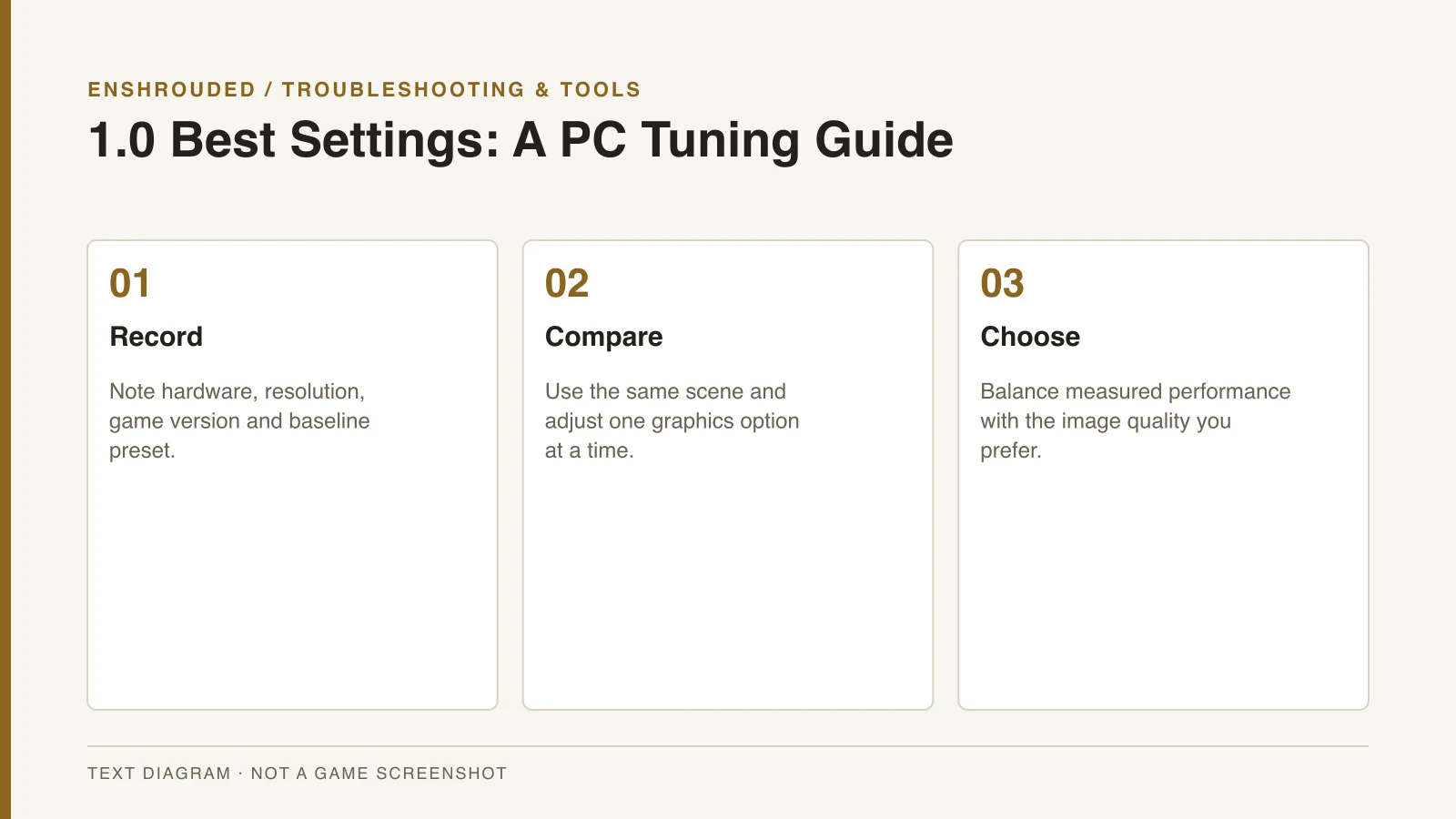
Record the hardware, resolution and game version before changing options. These details define what a performance result applies to. A preset without that context cannot support a promise that another system will achieve the same frame rate.
Change one option at a time
Compare shadows, lighting, reflections and upscaling one option at a time. Return to the same scene so the setting change is the main difference between observations. Otherwise, a changed camera position or scene can make the result difficult to interpret.
Balance image quality against performance rather than assuming every option should be minimized. Choose upscaling based on your GPU and the image you prefer. The research does not establish one expensive-option ranking, universal fog setting or exact upscaler version for every system.
- Confirm the current game's requirements and supported graphics options.
- Record hardware, resolution and game version.
- Measure the same scene using a baseline preset.
- Compare shadows, lighting, reflections and upscaling one option at a time.
- Publish a tested preset only with its hardware and measurements after 1.0 ships.
Check requirements and the version
Keen’s reviewed requirements page describes Early Access requirements. Recheck the full-release store listing when that version arrives. A developer performance preview is an announcement of work rather than a finished hardware benchmark.
If the game crashes, graphics tuning is not automatically the right diagnosis. Use the crash troubleshooting guide to record the circumstances and follow official support steps. A lower preset is not retained as a guaranteed cure for every crash message.
Keep graphics separate from world settings
PC graphics settings and server difficulty are different controls. A shared world’s configuration does not establish which visual preset works best on your GPU. The server guide handles hosting and discovery rather than visual performance.
A later tested preset should state its hardware, measurements and game build. Those tests have not been performed in the supplied prelaunch material. The mods overview also separates visual presets from official settings and other community tools.