
Different tools make different changes
Community Enshrouded tools include loaders, data tools, visual presets and trainers. These categories are not interchangeable. Identify what a download changes before treating it as a normal content mod or a harmless cosmetic preference.
The community documentation describes modding as unofficial and dependent on particular builds. A catalog proves that projects exist, but its popularity ranking does not establish compatibility or developer endorsement. The research contains no verified full-release compatibility list.
Check the specific project
Read the current project’s version and dependency documentation before modifying a local installation. Back up saves and files first. Recheck compatibility after a game update rather than assuming that an old working setup still applies.
The save compatibility guide concerns the game’s normal Early Access conversion. That confirmation does not guarantee support for every unofficially modified save. A separate backup lets you preserve the original copy while assessing a change.
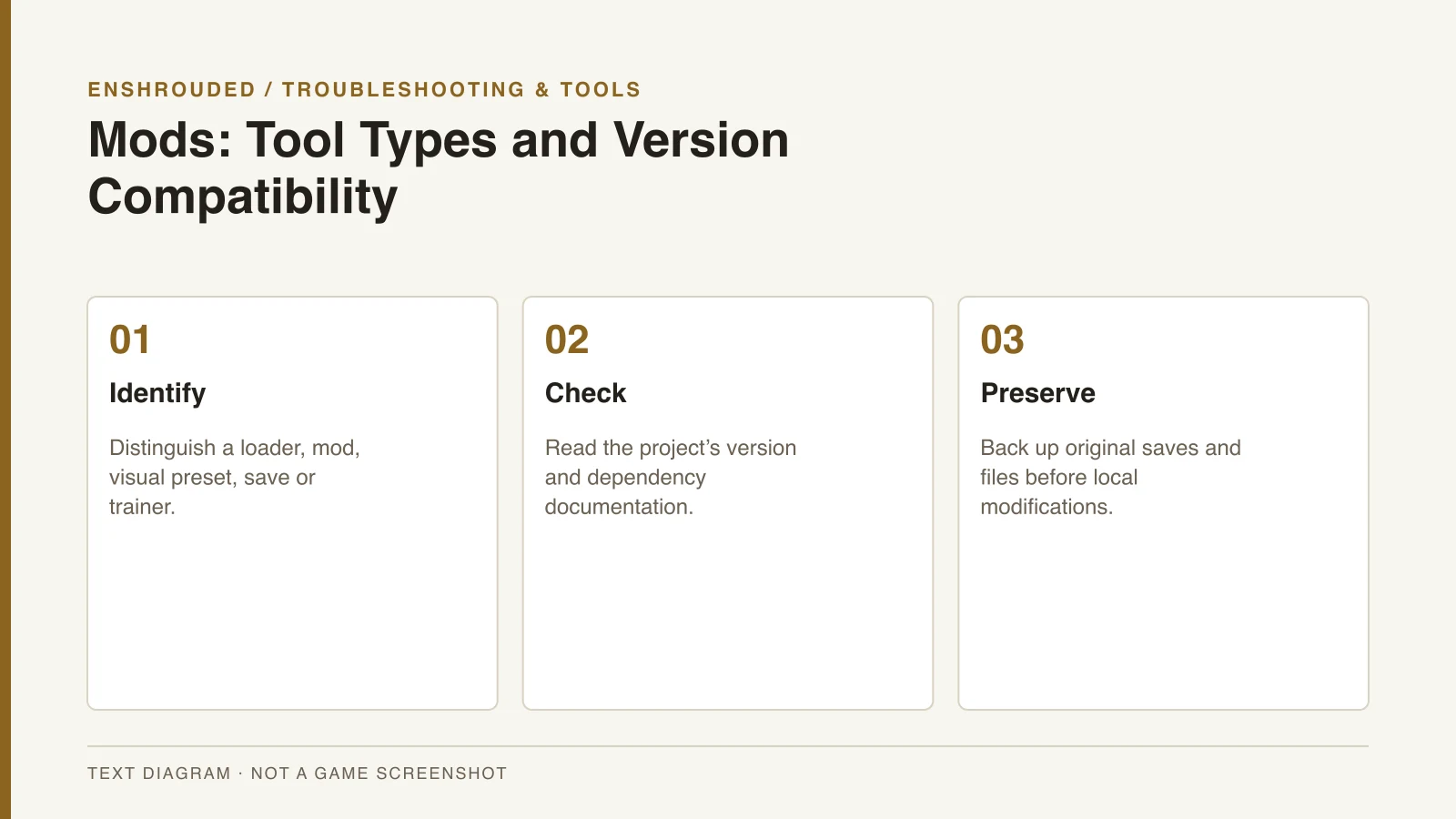
- Identify whether the download is a loader, mod, visual preset, save or trainer.
- Read its current version and dependency documentation.
- Back up saves and files before modifying a local install.
- For multiplayer, agree with the group on any changed gameplay.
- Recheck compatibility after a game update; use supported in-game Adventure Sharing for sharing worlds when appropriate.
Agree on multiplayer changes
For multiplayer, discuss any changed gameplay with the group before using the tool. A trainer, loader and visual preset can affect a session in different ways. Their existence in a catalog does not establish that they will work with every dedicated server.
Keep the supported hosting setup separate from an unofficial modification. The server guide covers normal installation, build alignment and backups. If the application begins to fail, record the modifications when following the crash diagnostic guide.
World sharing is a separate feature
Adventure Sharing is an in-game world-sharing feature. It is useful for exchanging created worlds, but it does not establish official support for unrelated mod loaders or trainers. The Sparkworks preview explains how the announced logic system connects to shared experiences.
The reviewed historical videos demonstrate trainers rather than a current loader-installation workflow. Keen’s Terms of Use provide publisher policy context, not proof that a specific third-party tool is endorsed. No unverified project is recommended merely because a new listing or demonstration exists.