
The message does not identify one cause
The executable crash message reports an application failure rather than a uniquely identified fault. Steam discussions describe it at launch and during play, while Keen hotfixes address different crash causes. Similar wording therefore does not prove that every affected PC needs the same workaround.
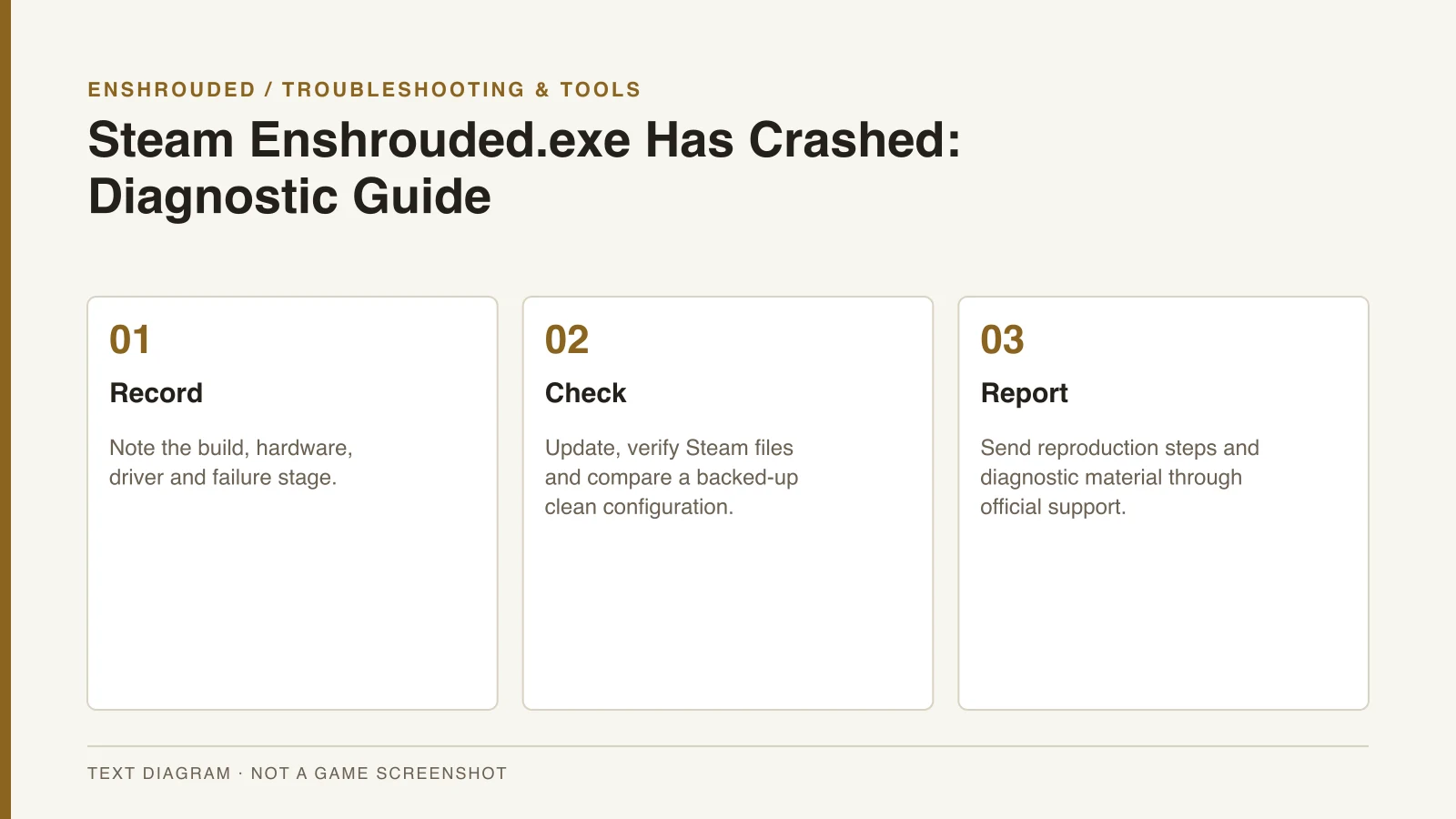
Record whether the failure happens during startup, while loading or inside a particular world. Note the game build, hardware and graphics driver version. These details make a support report more useful than repeating a fix that worked for a different player.
Check the supported installation first
Install the current game updates and verify the game files through Steam. Check the current hardware requirements and graphics drivers. These are diagnostic steps, not a guarantee that one of them will resolve every system’s problem.
Compare the problem with a clean configuration after backing up modified files. A new-world comparison may help distinguish a particular world from a broader startup or loading failure. Keep the original save backup instead of deleting progress to test an unsupported theory.
- Record the build, hardware, driver version and whether the crash occurs at startup, loading or in a specific world.
- Install current game updates and verify files through Steam.
- Check requirements and current graphics drivers.
- Test a clean configuration after backing up modified files; compare with a new world if useful.
- Submit the reproducible steps and crash report through Keen's support workflow.
Separate configuration and network issues
If community modifications are present, record them alongside the version of the game. The mods guide distinguishes loaders, visual presets and trainers, which are not equivalent changes to an installation. Do not assume that a tool compatible with an older build is compatible with the current one.
The graphics tuning guide covers measured settings comparisons rather than a universal crash cure. The server guide handles discovery and version mismatch when the problem is joining a world. Identify the failure stage before choosing which kind of diagnostic step to follow.
Send a reproducible official report
Keen’s bug-reporting workflow asks for reproduction steps and relevant diagnostic material. The reviewed support article covers DxDiag, logs and relevant saves. Describe what you did immediately before the failure and what happened instead of normal play.
Player threads and workaround-video titles are not proof of one universal minidump fix. Do not download unknown replacement DLLs, use registry cleaners, disable system security or delete saves based on those claims. Use the official reporting workflow when the supported diagnostic checks leave a reproducible crash.